Recently in the news there’s been controversy over Adobe Lightroom’s upcoming price increase…I’m not happy with it, as a long term Lightroom and Photoshop user, and while I can justify this added costs as part of my business, I’m sure it’ll price out a lot of hobbyists. Plus, some people just like owning things outright… which I totallly agree with by the way!So, let’s examine some Lightroom alternatives, and if it’s worth the change for you. I’ve got 3 alternatives that are entirely free. Zero cost, nada, nothing. And then 3 alternatives which are perhaps a bit more feature rich and have a one-off fee then you own it forever. No monthly or annual subscription.Right up front, I am going to say… as annoyed as I am… I am Team Adobe Lightroom, and this blog post most definitely isn’t sponsored by any of the photo editing companies I mention, as I’m going to be very critical. However, I do have some discount codes that you can use if you fancy.
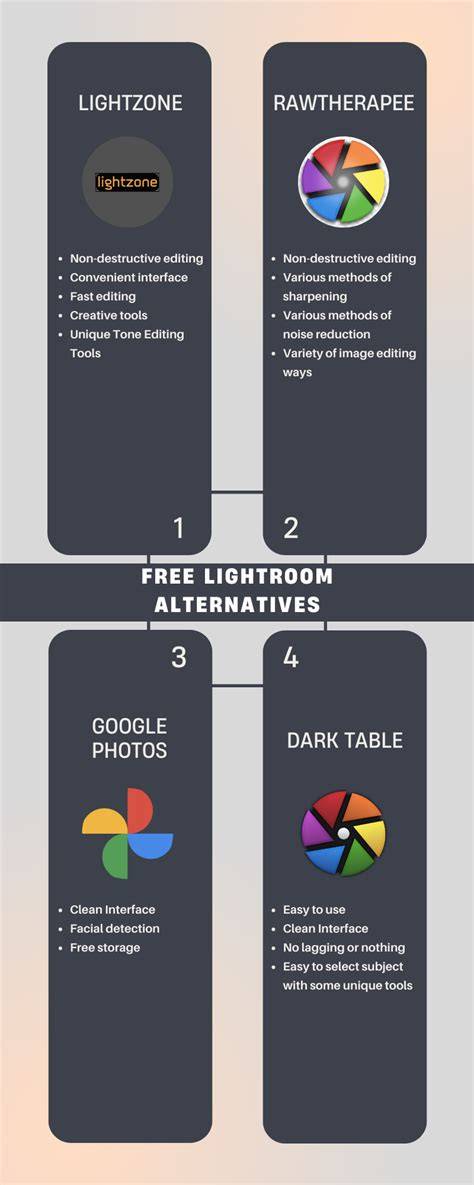
Three totally free options
These first options are forever and community sourced, so yay it’s always free, but also… they’re not always the most user friendly. OM Workspace - Windows and Mac The third free option is only for Olympus slash OM System camera owners I’m afraid, so skip ahead if this isn’t for you, but if you have one of these cameras it’s pretty cool. OM Workspace is entirely free, you just need a camera serial number to download it. There is a basic develop panel which will look very familiar to you, and even some more advanced features like Ai noise reduction, which is really bloody good to my eyes! Please note: it’s a little bit sluggish on my system, with tweaks taking a second or so to come into effect, and there is no way to add any presets or luts to photos, except playing around with the in-camera Olympus filters. You can rate and catelogue your images, and for actual FREE I think this is a great little bit of software to be honest, and my favourite of these three free ones… IF you have the right camera of course.
That being said, you can get a much better experience in my opinion if you’re willing to pay a bit to own the software forever. Let’s move on to the options that will suit the most people!
One-off payment options
This is as it says on the tin: one payment, and you own a version of the software forever. It may not update to any new versions without paying for the upgrade, but in theory, you own it and that’s all the money you’ll ever have to pay.
Capture One PRO - Windows and Mac
Back in the day there was a free version specifically for Fujifilm and Sony raw files, called Capture One Express… however the company have binned that option off entirely and gone with a… you guessed it…! A subscription model! Boooooo. There is still a one-off payment option, but it’s eye-wateringly priced unless you find it on offer. The standard price is £299. Capture One Pro will work with all camera raw files, not just Fujifilm, and it has some professional tools for studio work, like snap to eye mode so you can check in real-time that your image is pin sharp if you’re shooting tethered to your computer. So this could be the right solution for some people, but for strictly photo editing it seems quite average, if a bit niche. For example, if you’re a Fujifilm shooter you can create recipes in the editing software then transfer them to your camera. But it seems quite a hefty price if it’s just the raw editing side you’re looking for. Check it out here to learn more
Luminar Neo - Windows and Mac
This is a lifetime licence for around £99, and I have a discount code back from when I reviewed their software back in 2017(!) So you can use code NERDS for some money off. Anyway…Luminar software has been known to be a bit processor heavy in the past, but since an update last year things have been much more streamlined. However, it is overall a bit more sluggish compared to Lightroom.but in terms of user-friendliness I think it’s fantastic! I think you can hit the ground running really quickly with Luminar, and it is very feature rich for the price.You can add LUTs as presets (like mine! plug plug plug honestly they’re really very nice lol) The Ai features are a mixed bag, to be honest. Some are very gimicky, and some are really decent. I actually regularly use Luminar alongside Lightroom as a plugin for the mist enhancing feature it has, which is called Glow, and it gives you the Orton Effect. It’s fab! Luminar has loads of great things going for it and now they’re sorted out the speed of the software I think it’s definitely a contender.Check it out here and remember code NERDS for a Luminar Neo discount.
ON1 Photo RAW - Windows and Mac
Honestly, I would really really struggle without Lightroom, I just know it inside out, it works great for massive projects like weddings or timelapses… it’s just wonderful. If I absolutely had to… HAD to... Like, you were holding my dog hostage. If I HAD to switch to any other software, I would choose ON1 Photo RAW.This software is a little hidden gem, I think! At first glance, it is so close to Lightroom I might go so far as to call it a rip-off. But at this price-point? I’m not complaining!This is a very affordable one-off buy, if you can find it on offer… and it is very often on offer. It usually hovers around £60. If, by some miracle, you find it NOT on offer, you can use code EMILY20 for a discount on ON1 Photo RAW.ON1 (pronounced, apparently, as “on one” lol) is an American company, and they seem really on the ball with providing tools and tutorials to teach new users, which is a really great thing if you ask me.The sliders seem very similar to Lightroom and the interface is modern and snappy. It felt lighter on my machine compared to Luminar.There’s even some Photoshop-style features like Ai generated canvas expanding, so if you only lightly use Photoshop, then this could be a solution for both in one. You can add LUTs as presets, and they organise in folders really neatly - much neater than Luminar - so if you use presets in Lightroom this is going to be the closest alternative.It also has the Orton Effect glow, and quite a few similar features to Luminar, as well as some photoshop style things… as well as just being quite logical and intuitive.You can get a really generous 30 day trial with all features unlocked, so you’ve nothing to lose in giving this a try. You can check it out here and use code EMILY20 if you happen to see it on the one day a year where it isn’t on offer.
Conclusion
So those are my Lightroom alternative picks for 2025. For me, I’m still Team Lightroom, even though I’m mad that they’ve upped the price. The noise reduction is the best, the workflow is what I’m used to, and there is more versatility in a Lightroom preset versus a LUT. But… if you’d prefer to ditch the monthly or yearly subscriptions, then you can’t go far wrong with any of these picks mentioned. The alternatives have really come on so much in recent years and it feels like much less of a compromise. If you ask someone on the street to name a photo-editing program, they’ll probably say Adobe Photoshop. But ask a keen photographer or working professional, and there’s a good chance they’ll say Adobe Lightroom or Lightroom Classic instead. While Photoshop remains unmatched for sheer power and flexibility, Lightroom offers a much faster, more streamlined workflow for photographers.That’s because it takes many of Photoshop’s most-used editing tools and presents them in a simpler, more accessible interface, while also letting users edit multiple images at once through batch editing. It also includes a built-in library system, making it easy to organize, browse, and manage large image collections.In recent years, Lightroom has added masking, cloning, and a growing range of AI-powered tools, reducing the need to jump into Photoshop as often. Still, it’s not the only serious batch editor out there, with Capture One standing as perhaps its strongest professional rival.For many users, though, Lightroom’s biggest drawback is cost. Like the rest of Adobe Creative Cloud, it’s only available via subscription, and even with its cleaner interface, it can still feel daunting for beginners.Thankfully, there are plenty of alternatives. Some are cheaper, some offer perpetual licenses, and some are simply easier to learn. I look after Digital Camera World’s photo editing software guides and am a lifelong Adobe user. How much does Lightroom cost? Our expert reviewers spend hours testing and comparing products and services so you can choose the best for you. Lightroom can only be purchased via a subscription. You can choose from a standard Lightroom plan (Lightroom and Lightroom Classic), Adobe’s Photography Plan (also includes Photoshop), or as part of Creative Cloud’s All Apps plan. Most photographers will be considering the first two options.The Lightroom plan is available as a monthly rolling subscription that you can cancel at any time for $17.99 / £17.99, or an annual commitment paid monthly for $11.99 / £11.99 or annually at $119.88 / £119.21. The Photography Plan is available with the same constraints, $29.99 / £28.99 per month (cancel any time) and $19.99 for an annual plan in monthly installments or $239.88 as an annual lump sum.What’s the difference between Lightroom and Lightroom Classic? Both Lightroom and Lightroom Classic are ostensibly capable of producing the same high-quality results. The main difference is that Lightroom has a cloud-centric design, while Lightroom Classic’s workflow is centred around local storage. Lightroom also boasts a more simplified interface, while Lightroom Classic uses a more intimidating, yet professional-friendly interface.If you work across multiple devices, frequently upload to social media, edit on the go, and generally work with smaller file sizes and image libraries, then Lightroom is a great choice. If you're looking for a great batch-editing alternative to Adobe Lightroom Classic, Capture One is the obvious choice (Image credit: Rod Lawton)Lightroom’s biggest rival, and the industry standard for tethering SpecificationsOperating system (PC): Windows 10 (64-bit) 22H2 or Windows 11 23H2 or laterOperating system (Mac): macOS 14 or laterPC processor : Intel Core i3 or AMD Jaguar CPU
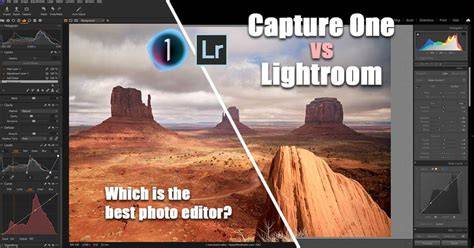
Reasons to buy+Excellent raw processing+Superb colour adjustment tools+Adjustment layers and masks+Session or Catalog workflowsReasons to avoid-You may still need an external editor like Photoshop-More expensive than Lightroom
2025 Adobe Photography Plan Pricing Changes
Buy it because✅ Professional tethering: The go-to for many studio photographers thanks to its coveted tethering workflow and 'Sessions'.✅ Excellent RAW processing: Boasts superior color grading and is regarded by some as a better RAW image processor, overall.Don’t buy because of❌ No Denoise alternative: Lightroom’s excellent AI-powered noise reduction tool is a big draw.❌ More expensive: It’s more expensive than Lightroom, but you can also buy a perpetual license.
There are those who would call Lightroom Classic a Capture One alternative. Suffice to say, Capture One is also an image-editing titan used by professional creators. It’s particularly coveted by studio professionals, thanks to its tried-and-tested tethering workflow. It is more expensive than Lightroom, but it is also available as a perpetual license.At their core, both pieces of software are extremely similar. Like Lightroom, Capture One can both edit and organize photos. And while Lightroom is an extremely strong RAW image editor, Capture One is, too. In my opinion, it pips Lightroom to the post in terms of color grading, with smoother tonal transitions.
DxO PhotoLab, Luminar Neo, ACDSee Photo Studio Ultimate, ON1 Photo RAW, and others offer strong alternatives with various licensing models. Each has strengths in RAW processing, AI-powered adjustments, latency, and ease of use. The best choice depends on your shooting style, need for tethering, and whether you prefer a perpetual license or ongoing subscription.
tags: #adobe #lightroom #alternative